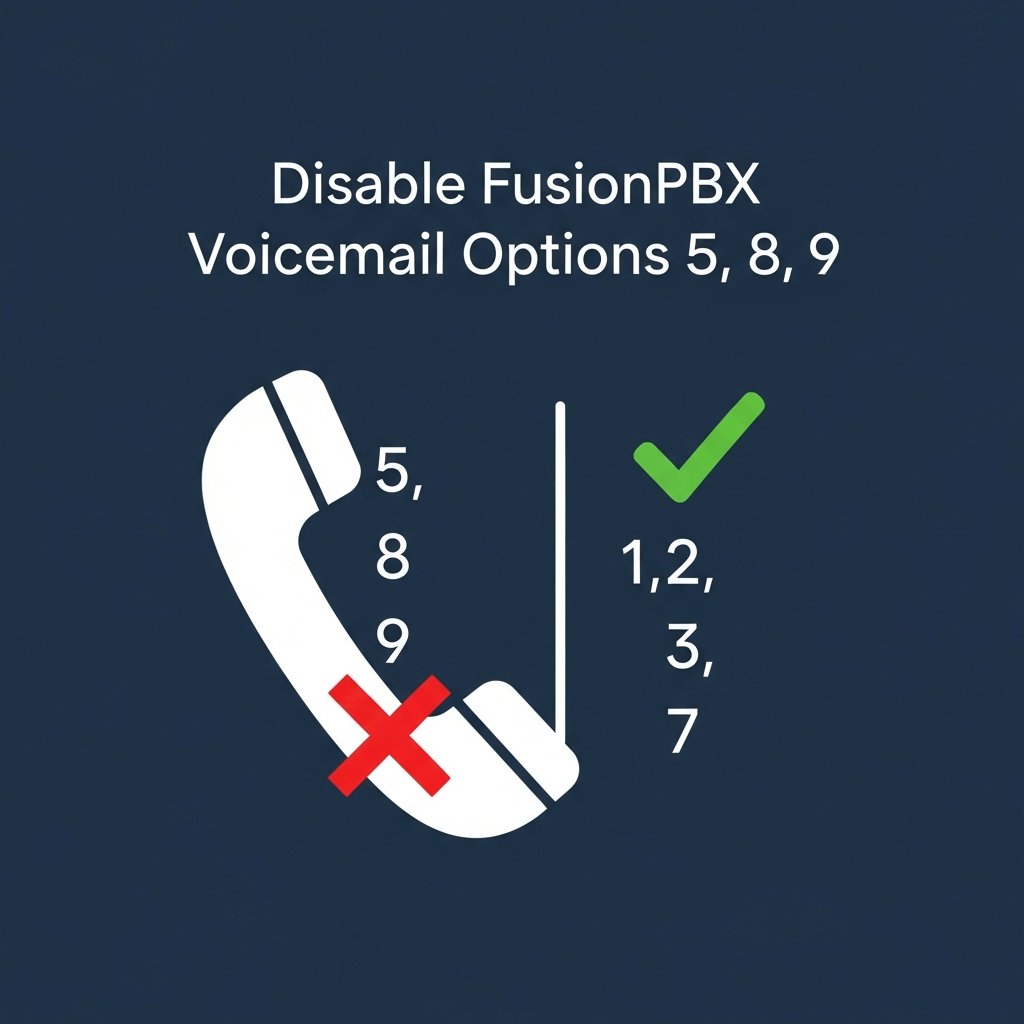
How to Remove Voicemail Menu Options in FusionPBX
FusionPBX uses FreeSWITCH’s default voicemail macros, which include several menu options during message playback that you may not need:
- 5 – Callback
- 8 – Forward message
- 9 – Save to folder
This tutorial shows you how to remove options 5, 8, and 9 from your voicemail system, keeping only the essential options:
- 1 – Listen
- 2 – Save
- 3 – Envelope
- 7 – Delete
- 0 – Main menu
Prerequisites
- FusionPBX installed and running
- SSH access to your server
- Root or sudo privileges
Step 1: Modify the Voicemail Lua Script
Navigate to the voicemail function directory and edit the listening script:
File location:
/usr/share/freeswitch/scripts/app/voicemail/resources/functions/listen_to_recording.luaFind this section:
if (session:ready()) then
    if (string.len(dtmf_digits) == 0) then
Replace the voicemail menu calls with:
if (session:ready()) then
    if (string.len(dtmf_digits) == 0) then
        if (use_deletion_queue == "true" and message_status == "deleted") then
            dtmf_digits = session:playAndGetDigits(
                1, 1, max_tries, digit_timeout, "#",
                "phrase:custom_voicemail_listen_file_options:deleted:1:2:3:7:0",
                "", "^[\\d\\*#]$"
            )
        else
            dtmf_digits = session:playAndGetDigits(
                1, 1, max_tries, digit_timeout, "#",
                "phrase:custom_voicemail_listen_file_options:1:2:3:7:0",
                "", "^[\\d\\*#]$"
            )
        end
    end
end
This change tells FreeSWITCH to use your custom menu macro instead of the default one.
Step 2: Create the Custom Voicemail Menu XML
Edit the English language voicemail configuration:
File location:
/etc/freeswitch/languages/en/vm/voicemail.xmlAdd this macro inside the <include> tag:
<macro name="custom_voicemail_listen_file_options">
  <!-- Normal messages menu -->
  <input pattern="^([0-9#*]):([0-9#*]):([0-9#*]):([0-9#*]):(.*)$">
    <match>
      <action function="play-file" data="voicemail/vm-listen_to_recording.wav"/>
      <action function="play-file" data="voicemail/vm-press.wav"/>
      <action function="say" data="$1" method="pronounced" type="name_spelled"/>

      <action function="play-file" data="voicemail/vm-save_recording.wav"/>
      <action function="play-file" data="voicemail/vm-press.wav"/>
      <action function="say" data="$2" method="pronounced" type="name_spelled"/>

      <action function="play-file" data="voicemail/vm-message_envelope.wav"/>
      <action function="play-file" data="voicemail/vm-press.wav"/>
      <action function="say" data="$3" method="pronounced" type="name_spelled"/>

      <action function="play-file" data="voicemail/vm-delete_recording.wav"/>
      <action function="play-file" data="voicemail/vm-press.wav"/>
      <action function="say" data="$4" method="pronounced" type="name_spelled"/>
    </match>
  </input>

  <!-- Deleted messages menu -->
  <input pattern="^deleted:([0-9#*]):([0-9#*]):([0-9#*]):([0-9#*]):(.*)$">
    <match>
      <action function="play-file" data="voicemail/vm-listen_to_recording.wav"/>
      <action function="play-file" data="voicemail/vm-press.wav"/>
      <action function="say" data="$1" method="pronounced" type="name_spelled"/>

      <action function="play-file" data="voicemail/vm-undelete_message.wav"/>
      <action function="play-file" data="voicemail/vm-press.wav"/>
      <action function="say" data="$2" method="pronounced" type="name_spelled"/>

      <action function="play-file" data="voicemail/vm-message_envelope.wav"/>
      <action function="play-file" data="voicemail/vm-press.wav"/>
      <action function="say" data="$3" method="pronounced" type="name_spelled"/>

      <action function="play-file" data="voicemail/vm-delete_recording.wav"/>
      <action function="play-file" data="voicemail/vm-press.wav"/>
      <action function="say" data="$4" method="pronounced" type="name_spelled"/>
    </match>
  </input>
</macro>
Step 3: Apply the Changes
Reload FreeSWITCH to apply your customizations:
Option 1: Reload XML (recommended)
fs_cli -x "reloadxml"Option 2: Full restart (if reload doesn’t work)
systemctl restart freeswitchTesting Your Changes
- Call your voicemail system
- Navigate to a saved message
- Listen for the menu options
- Verify that only options 1, 2, 3, 7, and 0 are announced